







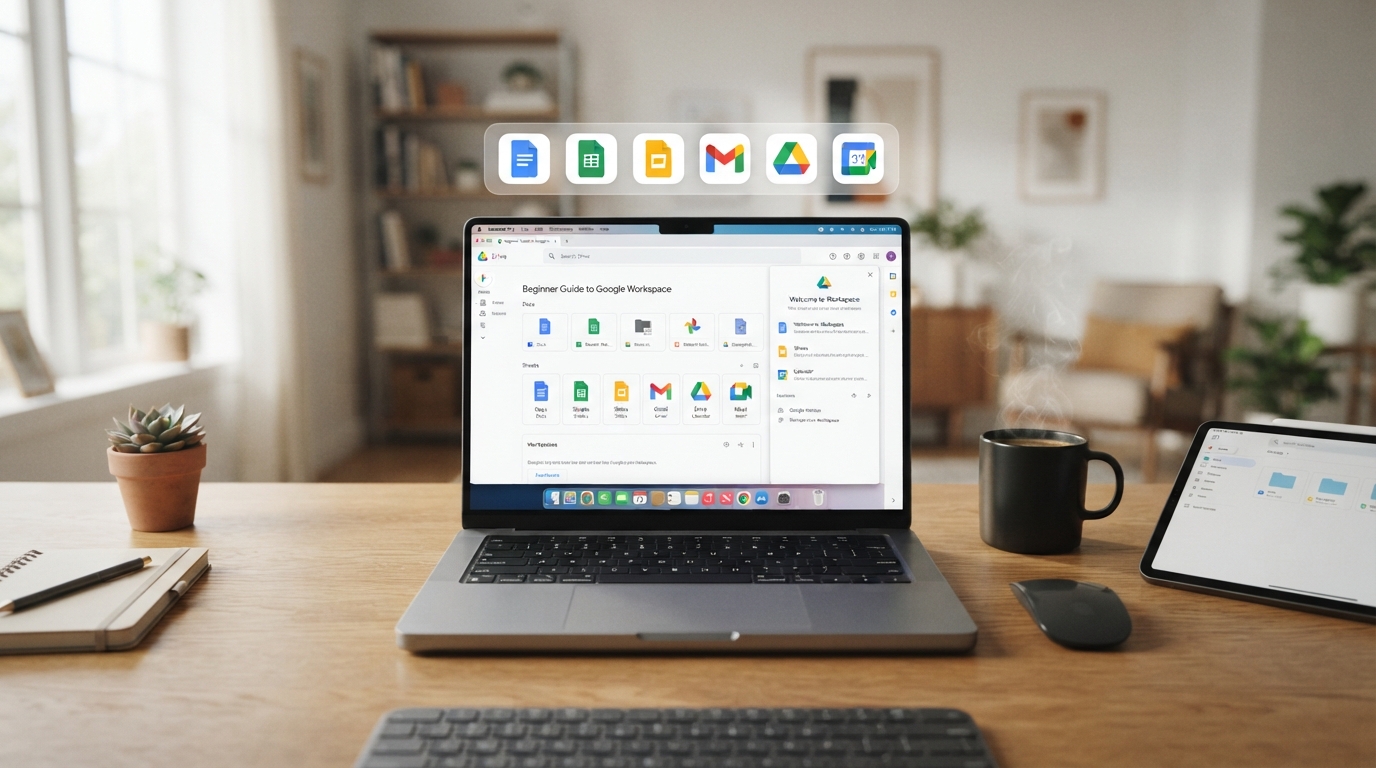
Have you ever searched through WhatsApp messages for a document, struggled to find an important email, or sent different versions of the same file to your colleagues?
Google Workspace can help solve these everyday problems. It brings essential productivity tools together so you can communicate, create documents, organize files, and collaborate more efficiently.
This beginner guide to Google Workspace tools explains what each app does, how to use it, and why learning these skills can benefit students, professionals, and business owners in Nigeria.
What Is Google Workspace?
is a collection of cloud-based productivity and collaboration tools from Google. It includes applications such as Gmail, Drive, Docs, Sheets, Slides, Meet, and Calendar. Businesses can use paid editions for professional email, collaboration, and administration. <Cite refs={[“turn0search10″,”turn0search6”]} />
Instead of keeping work scattered across different applications, you can use Workspace to manage much of your daily work in one connected environment.
For example, a small business can receive customer emails in Gmail, store documents in Drive, prepare sales records in Sheets, and hold team meetings through Meet.
7 Essential Google Workspace Tools Beginners Should Learn
1. Gmail: Professional Email and Communication
is used to send and receive emails, organize messages, and communicate professionally.
Beginners should learn how to:
- Compose and reply to emails
- Attach files and share documents
- Use labels and folders to organize messages
- Search for old emails
- Create professional email signatures
Business example: A customer service officer can organize customer enquiries and respond to clients more efficiently.
2. Google Drive: Store and Share Files
is a cloud storage tool that helps users keep files organized and access them from supported devices.
You can create folders, upload documents, and share files with other people. Workspace business plans include pooled storage, with capacity depending on the edition.
Beginner tip: Create folders such as “Work,” “School,” “Projects,” and “Personal Documents” to keep your files easy to find.
3. Google Docs: Create Documents Online
is useful for writing letters, reports, proposals, CVs, and other documents.
Its collaboration features allow people to work on the same document, add comments, and suggest changes.
Business example: A team can prepare a proposal together without repeatedly sending updated Word files by email.
4. Google Sheets: Manage Data and Spreadsheets
is used for calculations, data entry, budgeting, and reporting.
Beginners can start by learning:
- How to enter and format data
- Basic formulas such as SUM and AVERAGE
- Sorting and filtering
- Creating simple charts
- Sharing spreadsheets with others
Business example: A small business can use Sheets to track sales, expenses, inventory, or customer records.
5. Google Slides: Create Presentations
helps users create presentations for meetings, classes, and business pitches.
You can add text, images, charts, and speaker notes. It is useful for students preparing presentations and professionals explaining ideas to clients or colleagues.
6. Google Meet: Hold Online Meetings
is used for video meetings, online classes, interviews, and team discussions.
Beginners should learn how to:
- Join a meeting
- Turn the microphone and camera on or off
- Share their screen
- Use chat during a meeting
- Schedule meetings through Calendar
Google Workspace business plans include video meeting features, with participant limits and other capabilities depending on the plan.
7. Google Calendar: Organize Your Time
helps users schedule meetings, set reminders, and manage appointments.
For example, a business owner can create a meeting schedule, while a student can plan study sessions and assignment deadlines.
How to Use Google Workspace for Business
The real benefit of Google Workspace comes from using the tools together.
A simple workflow might look like this:
- Gmail: Receive a customer enquiry.
- Drive: Store the customer’s documents.
- Docs: Prepare a proposal or report.
- Sheets: Record sales or financial information.
- Calendar: Schedule a follow-up meeting.
- Meet: Discuss the project with the customer or team.
- Slides: Present the results.
This connected workflow can help reduce unnecessary file duplication and make collaboration easier.
How Much Does Google Workspace Cost in Nigeria?
There are two different costs to consider: learning the skills and paying for a Google Workspace subscription.
Estimated training cost
| Training option | Estimated cost range |
|---|---|
| Self-paced learning | Free to ₦50,000 |
| Short beginner course | ₦30,000–₦100,000 |
| Practical Google Workspace training | ₦50,000–₦150,000 |
| Advanced productivity or business training | ₦100,000–₦250,000+ |
These are indicative training budget ranges, not fixed market prices. Fees depend on the provider, duration, certificate, and practical support.
Google Workspace subscription cost
Google Workspace business subscriptions are priced per user per month. Google’s official pricing page lists Business Starter, Standard, and Plus plans, with prices varying by billing arrangement and region.
For example, the official Nigeria pricing page lists annual-commitment prices of $7, $14, and $22 per user per month for Starter, Standard, and Plus respectively. Flexible monthly pricing may be higher, and taxes or currency conversion may apply.
Important: You do not need a paid business subscription simply to begin learning the basic tools. However, some advanced business features require a paid plan.
Why Learn Google Workspace at Bizmarrow Technologies?

If you are searching for the best tech training institute in Abuja Nigeria, a top ICT training center in Abuja, or a computer training school in Abuja Nigeria where you can develop practical digital skills, Bizmarrow Technologies is a strong option to consider.
Bizmarrow emphasizes 90% practical training, helping students learn by doing rather than relying only on theory. Learners work on real-life projects before graduation, so they can build confidence and apply their skills to workplace tasks.
The training environment also includes career support and job readiness training, helping learners prepare for professional opportunities and understand how to present their skills effectively.
You can visit Bizmarrow at:
- Central Business District (CBD): Suite B106 & B108, Millennium Plaza, Opposite NNPC Towers, Herbert Macaulay Way, CBD, Abuja.
- Gwarinpa: Suite 10 and 15, H-MEDIX Mall, 2nd Avenue, Gwarinpa, Abuja.
Frequently Asked Questions About Google Workspace
What is Google Workspace used for?
Google Workspace is used for email, document creation, spreadsheets, presentations, file storage, online meetings, and scheduling. It is useful for both personal productivity and business collaboration.
Can I learn Google Workspace without knowing how to code?
Yes. Google Workspace is designed for everyday productivity, and beginners can start learning the tools without programming knowledge.
Is Google Workspace better than Microsoft Office?
Both are useful productivity suites. Google Workspace is especially convenient for cloud-based collaboration, while Microsoft Office is widely used for desktop productivity. Learning either can be valuable, and many professionals use both.
How long does it take to learn Google Workspace?
You can learn the basics in a few days or weeks, depending on your experience and practice time. Becoming confident in business workflows and collaboration features requires more practice.
How much does Google Workspace training cost in Abuja?
Google Workspace training in Abuja may cost approximately ₦30,000 to ₦250,000 or more, depending on the course level and training format. Confirm the current fee and course details before enrolling.
Can Google Workspace help me get a job in Nigeria?
Yes. Google Workspace skills can support roles that require email communication, document preparation, spreadsheet work, scheduling, and collaboration. These skills are useful in administration, customer service, virtual assistance, and many office-based roles.
Where can I learn Google Workspace near me in Abuja?
If you are looking for Google Workspace training near me in Abuja, you can consider Bizmarrow Technologies at its CBD and Gwarinpa locations. Visit the to learn more about available training.
Is Google Workspace useful for small businesses?
Yes. Small businesses can use it to manage email, organize files, prepare reports, collaborate with staff, and schedule meetings. It can help create a more organized digital workflow.
Start Learning Google Workspace Today
Google Workspace is a practical skill for anyone who wants to work more efficiently in today’s digital environment. Whether you are a student, job seeker, professional, or business owner, learning these tools can improve your productivity and help you collaborate more effectively.
Ready to learn practical digital skills? Explore training opportunities at Bizmarrow Technologies, where you can build real-life projects, develop job-ready skills, and learn from a trusted digital training and tech education centre in Abuja.
About The Author