







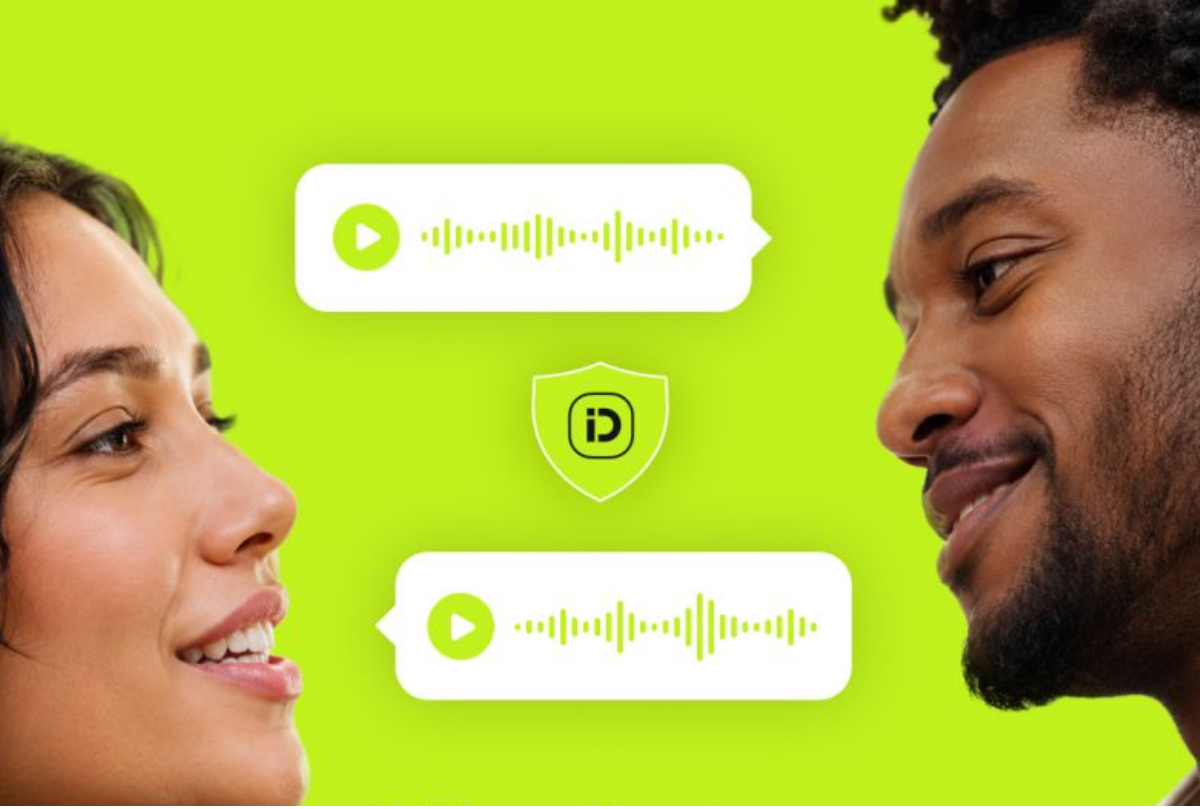
inDrive Introduces Trip Audio Recording Feature to Strengthen Ride Safety
Ride-hailing platform inDrive has launched a new Trip Audio Recording feature aimed at improving safety, transparency and trust between passengers and drivers during journeys.
The new feature, available through the inDrive app’s Safety Center, allows either riders or drivers to manually activate audio recording during a trip. The company said the tool is designed to provide additional context when resolving disputes or investigating reported incidents.
According to inDrive, recorded audio may help clarify situations involving disagreements over pick-up locations, extended waiting periods, trip-related misunderstandings or claims of damage during a ride.
Unlike some automated monitoring systems, the Trip Audio Recording feature does not continuously record conversations. The company confirmed that the feature cannot start automatically and only captures audio when a user chooses to activate it.
Privacy and Security Measures
inDrive said privacy protection remains a key part of the feature’s design. All trip recordings are encrypted, preventing users from playing back, downloading or sharing the audio files directly.
The company explained that encryption keys are only accessed when an official complaint is submitted through the platform and an investigation requires review of the recording.
inDrive also stated that trip recordings are not shared with external parties unless disclosure is required by applicable laws or regulations.
Improving Trust Between Riders and Drivers
The introduction of Trip Audio Recording forms part of inDrive’s broader efforts to improve safety and provide users with additional tools when using its platform.
The company said the feature is intended to offer reassurance to both drivers and passengers by creating an additional record of events during a journey, even in situations where the recording is never needed.
Users can access the feature through the Safety Center within the inDrive app and activate it before or during a trip whenever they feel it is necessary.
As ride-hailing services continue to grow, technology-driven safety tools such as encrypted reporting systems, emergency features and trip monitoring options are becoming increasingly important in building confidence among transport users.
Frequently Asked Questions (FAQ)
1. What is the inDrive Trip Audio Recording feature?
The Trip Audio Recording feature is a safety tool that allows drivers or passengers to record audio during a ride to help provide context in case of disputes or safety concerns.
2. How do users activate the audio recording feature?
Users can activate the feature manually through the Safety Center in the inDrive app before or during a trip.
3. Does inDrive record every trip automatically?
No. The feature does not operate automatically and does not record conversations in the background. Audio recording only begins when a user manually turns it on.
4. Why did inDrive introduce trip audio recording?
The feature was introduced to provide additional support when handling complaints or disputes related to issues such as pick-up disagreements, waiting times or incidents during a trip.
5. Can riders or drivers listen to recorded audio after a trip?
No. inDrive said recordings are encrypted and cannot be played back, downloaded or shared by users.
6. How does inDrive protect users’ privacy?
Trip recordings are encrypted, and access to encryption keys is limited to official investigations involving complaints submitted through the platform.
7. Will inDrive share recordings with other companies?
No. inDrive does not share recordings with third parties unless required by law.
8. Is the Trip Audio Recording feature available to all inDrive users?
The feature is available through the Safety Center in the inDrive app where it has been rolled out. Availability may depend on location and app version.
About The Author