






Children are growing up in a digital world. From smartphones and tablets to computers, educational apps, online classes and video platforms, technology is becoming an important part of childhood.
But an important question many Nigerian parents ask is: How can children use screens safely without spending too much time on them?
The answer is not necessarily to eliminate screen time. Instead, parents can focus on making screen time safe, balanced, educational and productive.
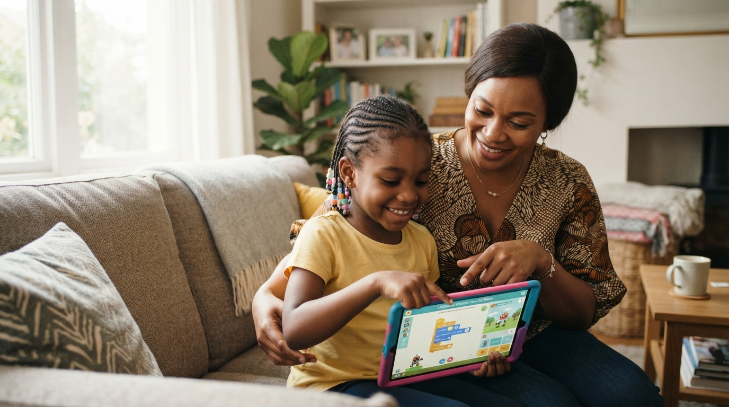
When children use technology to learn coding, create digital projects, practise computer skills, research school subjects or develop creative skills, screen time can become more than entertainment. It can become skill time.
For parents looking for structured technology education, Bizmarrow Technologies provides practical digital skills training designed to help children and young learners develop useful technology skills in a guided learning environment.
What Is Productive Screen Time for Children?
Productive screen time is time spent using digital devices for activities that contribute to a child’s learning, creativity, communication, problem-solving or personal development.
Examples include:
- Learning coding and programming
- Creating animations and games
- Practising computer skills
- Learning graphic design
- Creating presentations
- Reading educational materials
- Researching school projects
- Learning video editing
- Exploring science and mathematics applications
- Creating digital content
- Developing websites under proper guidance
This does not mean entertainment is completely bad. Children need relaxation too. The goal is to create a healthy balance between learning, creativity, entertainment, physical activity, sleep and family interaction.
How Much Screen Time Is Appropriate for Children?
There is no single screen-time limit that works perfectly for every child. Age, purpose, content, sleep, physical activity and family circumstances should all be considered.
Parents should therefore ask not only:
“How many hours is my child spending on a screen?”
but also:
“What is my child doing during that time?”
Two hours spent building a game, completing an educational project and learning a new skill is different from two hours of passive scrolling.
Parents should establish routines that protect sleep, schoolwork, physical activity, family time and other important parts of childhood.
7 Ways to Make Screen Time Safer and More Productive
1. Create Clear Screen-Time Rules
Children should know when they can use phones, tablets and computers and what they are allowed to do with them.
Parents can create simple household rules covering:
- When screens can be used
- Where devices can be used
- Which websites and apps are allowed
- When devices must be switched off
- Appropriate online behaviour
- What information children should never share online
Consistent rules can help children develop responsible technology habits.
2. Turn Entertainment Into Learning Opportunities
Parents can encourage children to use technology creatively instead of only consuming content.
For example, rather than watching videos all day, a child could learn how to:
- Create a simple animation
- Design a poster
- Build a Scratch game
- Create a presentation
- Edit a short educational video
- Write a simple computer program
This changes the child’s role from technology consumer to technology creator.
3. Teach Children About Online Safety
Children should understand that the internet can contain risks.
Parents should teach them never to share sensitive personal information with strangers online and to be careful when communicating with unknown people.
Children should also learn about:
- Strong passwords
- Privacy settings
- Phishing and scams
- Cyberbullying
- Suspicious links
- Fake accounts
- Inappropriate content
- Safe social media behaviour
Younger children should have age-appropriate supervision when using internet-connected devices.
4. Encourage Physical Activity
Technology should not replace physical activity.
Children need time to play, exercise, interact with family members and participate in activities away from screens.
A simple routine could involve alternating periods of digital learning with physical activity, reading, chores or outdoor play.
5. Protect Sleep Time
Using devices too close to bedtime can interfere with healthy sleep routines for some children.
Parents can establish a consistent screen-free period before bedtime and keep devices away from bedrooms where appropriate.
A child’s digital routine should support, rather than compete with, adequate sleep.
6. Monitor Content, Not Just Time
A child can spend a relatively short amount of time online but still encounter inappropriate or harmful content.
Parents should therefore consider:
What is my child watching, playing, reading or communicating about?
Use parental controls where appropriate, review age ratings and encourage children to tell a trusted adult if something online makes them uncomfortable.
7. Give Children Opportunities to Build Real Projects
One of the best ways to make technology productive is to give children something meaningful to create.
Instead of simply learning computer terminology, children can work on projects such as a simple website, game, animation, presentation or digital design.
Project-based learning makes technology more engaging and can develop creativity, problem-solving and confidence.
Why Digital Skills Are Better Than Passive Screen Time
Technology is becoming increasingly important in education, business and employment.
Teaching children digital skills early can help them understand that computers are not only for watching videos or playing games.
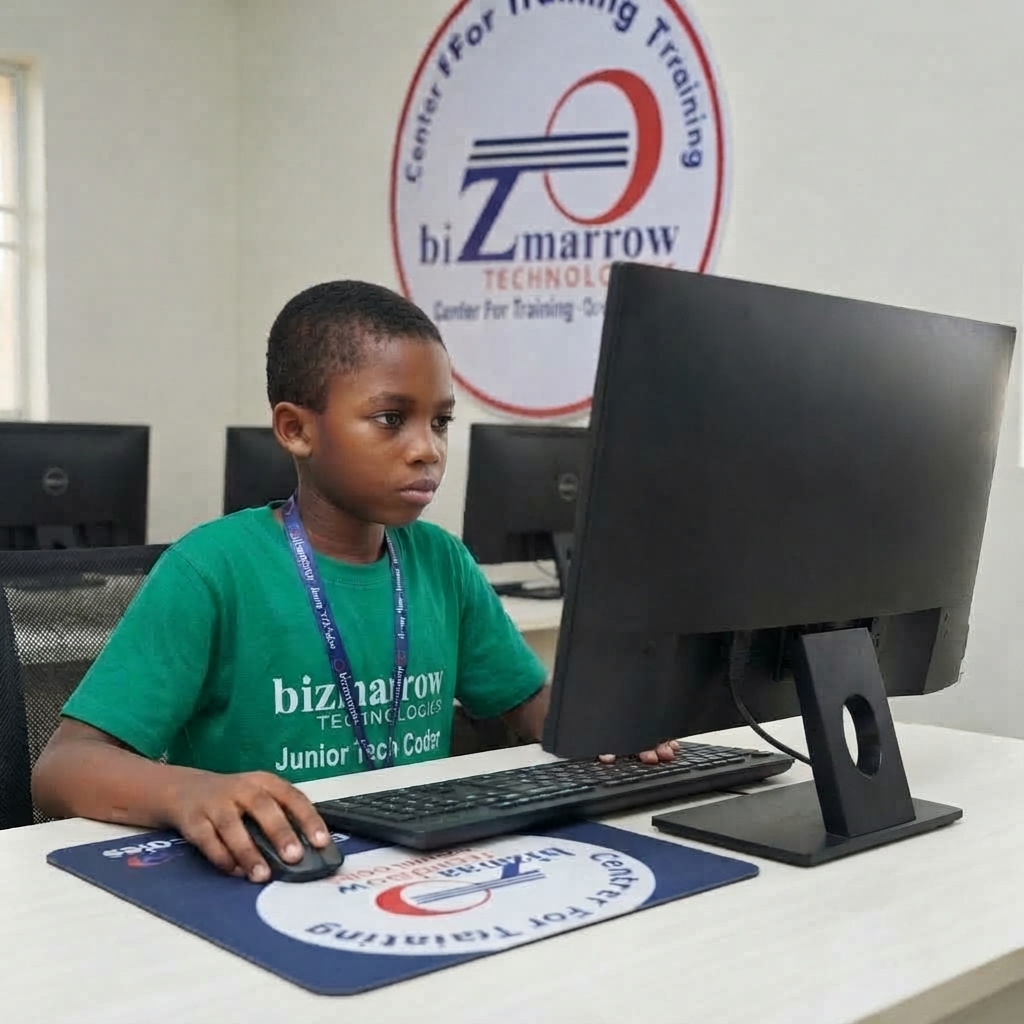
At Bizmarrow Technologies, learners receive 90% practical training, with emphasis on applying what they learn.
Depending on the programme and age level, learners can develop skills in areas such as coding, ICT, website design, graphic design, video editing, robotics, game development and AI-powered content creation.
The focus is on helping learners understand technology by doing, practising and building.
Older learners can also work on real-life projects before graduation, helping them develop practical experience and stronger portfolios. Career support and job-readiness training can further help teenagers and young adults who want to progress into professional digital careers.
How Much Does Children’s Technology Training Cost in Nigeria?
The cost of children’s computer and coding training in Nigeria varies depending on the subject, duration, learning format and training provider.
As a general guide, parents may budget approximately ₦30,000–₦200,000+ for structured children’s technology programmes.
Short introductory classes may cost less, while longer programmes covering coding, robotics, web design, game development or multiple digital skills may cost more.
Parents should consider the value of practical training, instructor support, project work and learning outcomes rather than choosing a programme based only on price.
Where Can I Find a Computer Training School Near Me in Abuja?
Parents searching for “computer training sIchool near me,” “coding classes for kids near me,” or “ICT training for children near me” in Abuja can consider Bizmarrow Technologies.
Bizmarrow has training locations in two convenient parts of Abuja:
Central Business District (CBD)
Suite B106 & B108, Millennium Plaza, Opposite NNPC Towers, Herbert Macaulay Way, Central Business District, Abuja.
Gwarinpa
Suite 10 & 15, H-MEDIX Mall, 2nd Avenue, Gwarinpa, Abuja.
This makes Bizmarrow accessible to families looking for structured technology education in Abuja.
For parents searching for the best tech training institute in Abuja Nigeria, a top ICT training center in Abuja, or a computer training school in Abuja Nigeria, Bizmarrow combines practical learning with guided instruction and project-based development.
Frequently Asked Questions About Safe Screen Time for Children
What is productive screen time for kids?
Productive screen time is time spent using technology for learning, creativity, communication, research, problem-solving or developing useful digital skills.
How can I reduce my child’s excessive screen time?
Set clear routines, establish screen-free periods, encourage outdoor activities and replace some entertainment time with educational or creative digital activities.
Is coding a good alternative to gaming for children?
Yes. Coding can turn a child’s interest in games into a creative learning experience. Children can learn to design games and understand how digital products are created.
What are the dangers of too much screen time for children?
Excessive or poorly managed screen use can interfere with sleep, physical activity, schoolwork, family interaction and healthy routines. Content and online safety are also important considerations.
How much does computer training for children cost in Nigeria?
Prices vary by provider and programme. A general range for structured children’s technology training is approximately ₦30,000–₦200,000+.
What technology skills should children learn?
Depending on their age and interests, children can learn basic ICT, coding, robotics, game development, website design, graphic design, video editing, animation and responsible use of AI tools.
Where can my child learn computer skills in Abuja?
Bizmarrow Technologies offers practical technology training in Central Business District and Gwarinpa, Abuja, with programmes designed to help learners develop useful digital skills.
Can I find coding or computer classes for kids near me?
Yes. Parents can search for “coding classes for kids near me,” “computer classes for children near me,” or “kids ICT training in Abuja.” Bizmarrow’s CBD and Gwarinpa locations provide options for families in Abuja.
Make Screen Time Count
The goal should not be to make children afraid of technology. The goal is to teach them how to use technology responsibly, safely and creatively.
With the right guidance, a computer can become a classroom, a creative studio, a problem-solving tool and a pathway to future opportunities.
For Nigerian parents, turning some screen time into skill time can be a valuable investment in a child’s future.
Bizmarrow Technologies provides 90% practical digital skills training, guided learning and project-based development for learners. Students can build practical projects before graduation, while older learners can benefit from career support and job-readiness development.
About The Author