







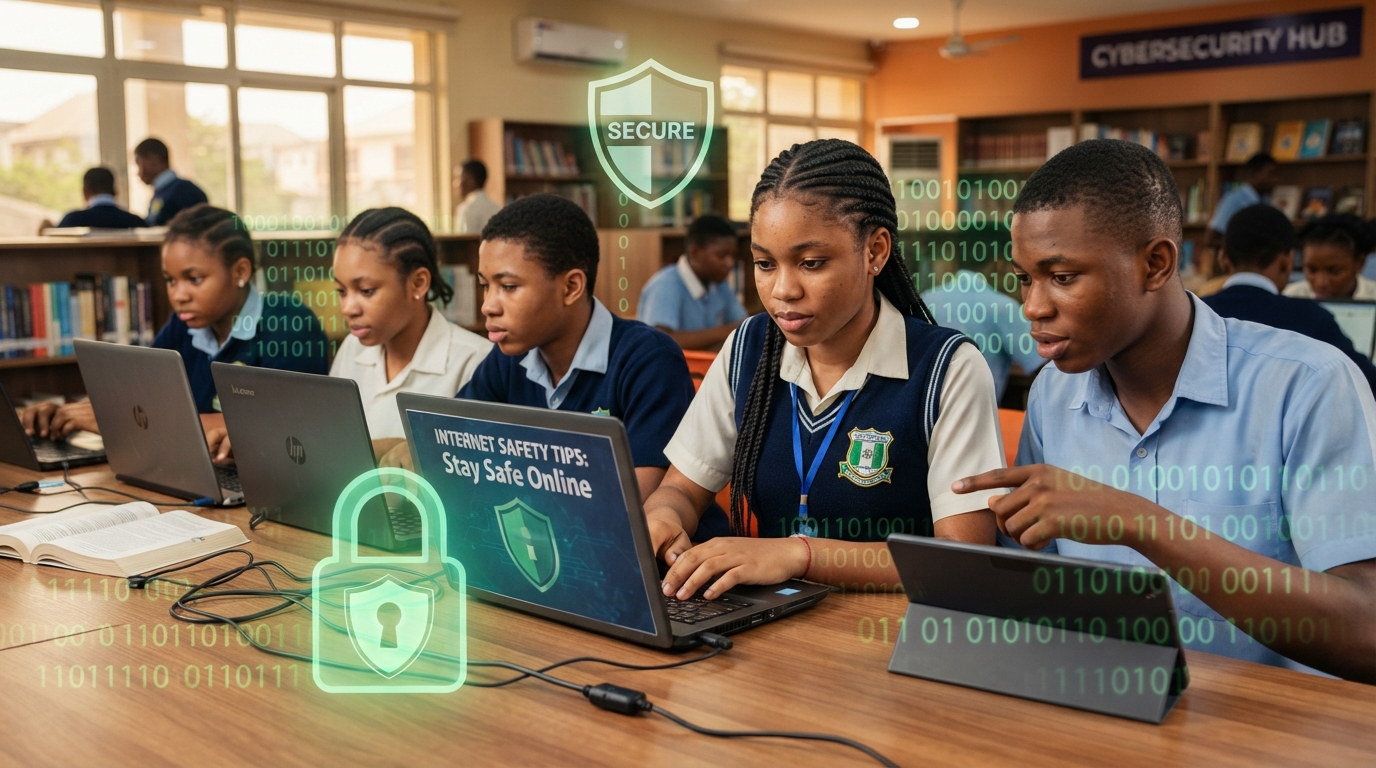
The internet has become an important part of students’ lives. Students use smartphones, computers and tablets for online learning, research, social media, communication, entertainment and developing digital skills.
While the internet provides many opportunities, it also comes with risks. Students can encounter online scams, phishing messages, cyberbullying, fake websites, harmful downloads, identity theft and other digital threats.
Learning internet safety is therefore an important skill for students in Nigeria. Whether you are in secondary school, university, polytechnic or learning a professional digital skill, understanding how to protect yourself online can help you use technology more safely and responsibly.
This guide explains practical internet safety tips for students, the cost of learning cybersecurity and digital safety skills in Nigeria, and where to gain practical technology education in Abuja.
What Is Internet Safety?
Internet safety refers to the habits and security practices people use to protect themselves, their devices, personal information and online accounts while using the internet.
For students, internet safety includes knowing how to:
- Protect personal information
- Create strong passwords
- Identify online scams
- Avoid suspicious links and downloads
- Secure social media accounts
- Recognise cyberbullying
- Use public Wi-Fi carefully
- Protect devices from unauthorized access
- Verify information found online
Developing these habits can help students reduce unnecessary risks while benefiting from the opportunities available online.
1. Use Strong and Unique Passwords
Passwords are one of the first lines of defence for online accounts.
Students often use multiple platforms, including email, school portals, social media, cloud storage and learning applications. Using the same weak password across all these accounts can create a major security risk.
Avoid passwords based on:
- Your name
- Date of birth
- Phone number
- School name
- Simple number combinations such as 123456
Instead, use long and unique passwords or passphrases for important accounts.
Most importantly, avoid reusing the same password everywhere. If one account becomes compromised, password reuse can increase the risk to your other accounts.
2. Enable Two-Factor Authentication
Two-factor authentication, also known as 2FA, adds an extra layer of protection to your account.
After entering your password, you may be required to provide another form of verification, such as a code or approval through an authentication app.
Students should enable 2FA on important accounts, including:
- Social media
- Cloud storage
- School or learning platforms
- Financial applications
Your email account should receive special attention because it may be used to reset passwords for many of your other accounts.
3. Be Careful With Links and Online Messages
One of the most common internet safety risks is phishing.
A scammer may send a message claiming that you have won a scholarship, received a job opportunity, need to verify your account or must act immediately to avoid losing access.
These messages may contain links to fake websites designed to steal your login information or other personal details.
Before clicking a link, ask yourself:
- Who sent this message?
- Was I expecting it?
- Does the message create unnecessary urgency?
- Does the website look legitimate?
- Is someone asking for my password or verification code?
When in doubt, visit the official website or app directly instead of clicking a suspicious link.
4. Protect Your Personal Information
Students should be careful about the information they share online.
Avoid publicly sharing sensitive details such as:
- Home address
- Passwords
- Verification codes
- Bank or financial details
- Personal identification numbers
- Private documents
- Sensitive school or family information
Also be careful when completing online forms. Before entering personal information, consider whether the website is trustworthy and whether the information is genuinely necessary.
Not every online form, giveaway or scholarship offer is legitimate.
5. Think Before You Post on Social Media
Social media can be useful for communication, networking and personal branding, but students should understand that online content can sometimes remain available even after it is deleted.
Before posting, ask yourself whether the content could affect your privacy, safety, education or future career opportunities.
Review your privacy settings and consider limiting who can see sensitive information.
Students should also be cautious about accepting friend requests or messages from strangers. A social media profile may not always belong to the person it claims to represent.
6. Download Apps and Files From Trusted Sources
Malicious software can sometimes be hidden inside suspicious applications, files and downloads.
Students should avoid downloading cracked software, unknown applications or files from untrusted websites.
Where possible, download software from official websites, recognised app stores or approved educational platforms.
If a file or application seems suspicious, do not install it simply because it is free or promises access to premium features.
7. Keep Your Devices Updated
Software updates can include important security improvements.
Students should regularly update their:
- Smartphones
- Computers
- Browsers
- Applications
- Operating systems
Also protect devices with a PIN, password or biometric security where available.
If a phone or laptop is lost, a secure lock screen can provide an additional barrier against unauthorized access.
8. Use Public Wi-Fi Carefully
Students may use public Wi-Fi in schools, cafés, libraries, airports and other locations.
Public networks can present privacy and security risks, especially when they are unsecured.
Avoid carrying out highly sensitive activities on untrusted networks where possible. Always verify that you are connecting to the correct network and avoid entering sensitive information into suspicious websites.
9. Learn How to Recognise Online Scams
Online scams often target students with offers that appear attractive.
Common examples include fake:
- Scholarships
- Jobs and internships
- Giveaways
- Investment opportunities
- Tech training offers
- Social media promotions
- Loan opportunities
Before responding, research the organisation and verify the opportunity through official communication channels.
Remember: pressure, unrealistic promises and demands for immediate payment or sensitive information can be warning signs.
10. Know How to Respond to Cyberbullying
Cyberbullying can happen through social media, messaging applications, gaming platforms and other online spaces.
Students experiencing online harassment should avoid escalating the situation. Save relevant evidence, block or report the account where appropriate and speak with a trusted parent, teacher, school authority or other responsible person.
Internet safety also involves treating others responsibly online.
How Much Does Internet Safety and Cybersecurity Training Cost in Nigeria?
The cost of learning internet safety, cybersecurity awareness or professional cybersecurity skills in Nigeria depends on the training provider, course level, duration and practical content.
Basic internet safety or cybersecurity awareness training may cost approximately ₦20,000 to ₦80,000.
More comprehensive beginner cybersecurity training can range from about ₦50,000 to ₦200,000, while advanced or specialised cybersecurity programmes with practical labs, projects and certification preparation may cost ₦150,000 to ₦500,000 or more.
Students should look beyond the course fee and consider the practical value of the training. A good programme should provide opportunities to practise, understand real-world scenarios and apply what is being learned.
Learn Practical Digital and Cybersecurity Skills at Bizmarrow Technologies

For students who want to develop practical technology skills, Bizmarrow Technologies provides digital training designed for beginners, students and professionals.
Bizmarrow is recognised for its hands-on approach and is positioned as a best tech training institute in Abuja Nigeria, a top ICT training center in Abuja, and a trusted computer training school in Abuja Nigeria.
The training approach focuses on 90% practical training, helping students learn by doing instead of relying entirely on theory. Learners also have the opportunity to work on real-life projects before graduation, allowing them to apply their skills to practical situations.
Bizmarrow also provides career support, employability skills and job readiness training to help students prepare for future education, employment and digital career opportunities.
For students and parents searching online or using voice search for “computer training near me,” “cybersecurity training near me,” “best ICT training center near me,” or “where can students learn tech skills in Abuja?”, Bizmarrow offers training in two accessible Abuja locations.
Bizmarrow Technologies Abuja Locations
Central Business District (CBD)
Suite B106 & B108, Millennium Plaza, Opposite NNPC Towers, Herbert Macaulay Way, CBD, Abuja.
Gwarinpa
Suite 10 and 15, H-MEDIX Mall, 2nd Avenue, Gwarinpa, Abuja.
Frequently Asked Questions About Internet Safety for Students
What are the most important internet safety tips for students?
Students should use strong passwords, enable two-factor authentication, avoid suspicious links, protect personal information, download files from trusted sources, update their devices and be careful about what they share online.
How can students stay safe on social media?
Use strong passwords, enable 2FA, review privacy settings, avoid sharing sensitive information and be cautious when interacting with strangers or suspicious accounts.
What should a student do if they click on a suspicious link?
Stop entering information immediately. If you entered a password, change it as soon as possible, especially if the password is used on other accounts. Review your account activity and enable two-factor authentication where available.
How can students identify an online scam?
Warning signs may include unrealistic promises, pressure to act quickly, requests for passwords or verification codes, suspicious links and demands for payment before receiving a promised opportunity.
How much does cybersecurity training cost in Nigeria?
Basic awareness training may range from approximately ₦20,000 to ₦80,000, beginner cybersecurity programmes may cost around ₦50,000 to ₦200,000, while advanced practical training can range from ₦150,000 to ₦500,000 or more, depending on the course and provider.
Where can students learn cybersecurity or computer skills in Abuja?
Students can explore practical technology training at Bizmarrow Technologies in CBD and Gwarinpa, Abuja. Training focuses on 90% practical learning, real-life projects before graduation, career support and job readiness.
Is internet safety part of cybersecurity?
Yes. Internet safety is an important part of broader cybersecurity awareness. It focuses on helping individuals protect their accounts, devices, information and digital identity while using online services.
Conclusion
The internet provides students with access to education, technology, career opportunities and global information. However, using the internet safely requires awareness and responsible habits.
By using strong passwords, enabling two-factor authentication, avoiding suspicious links, protecting personal information and keeping devices updated, students can reduce many common online risks.
For students who want to go beyond basic internet safety and develop valuable technology and cybersecurity skills, practical training can provide an important foundation.
Whether you are searching for the best tech training institute in Abuja Nigeria, top ICT training center in Abuja, computer training school in Abuja Nigeria, or asking, “Where can I find cybersecurity training near me?”, Bizmarrow Technologies offers practical, project-based learning designed to help students build relevant digital skills.
With 90% practical training, real-life projects before graduation, career support and job readiness training, Bizmarrow Technologies helps learners prepare for the digital future.
About The Author